SSD vs HDD: Which Storage Drive Is Right for You?
Choosing between a Solid State Drive (SSD) and a traditional hard disk drive (HDD) can be confusing. Both store your files, but they work very differently. This guide breaks down the key differences to help you decide.
What Is an SSD (Solid State Drive)?
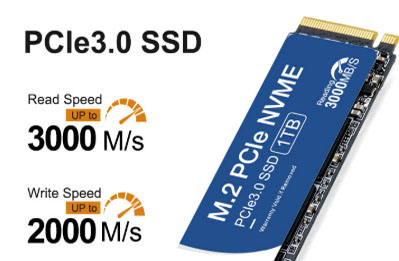
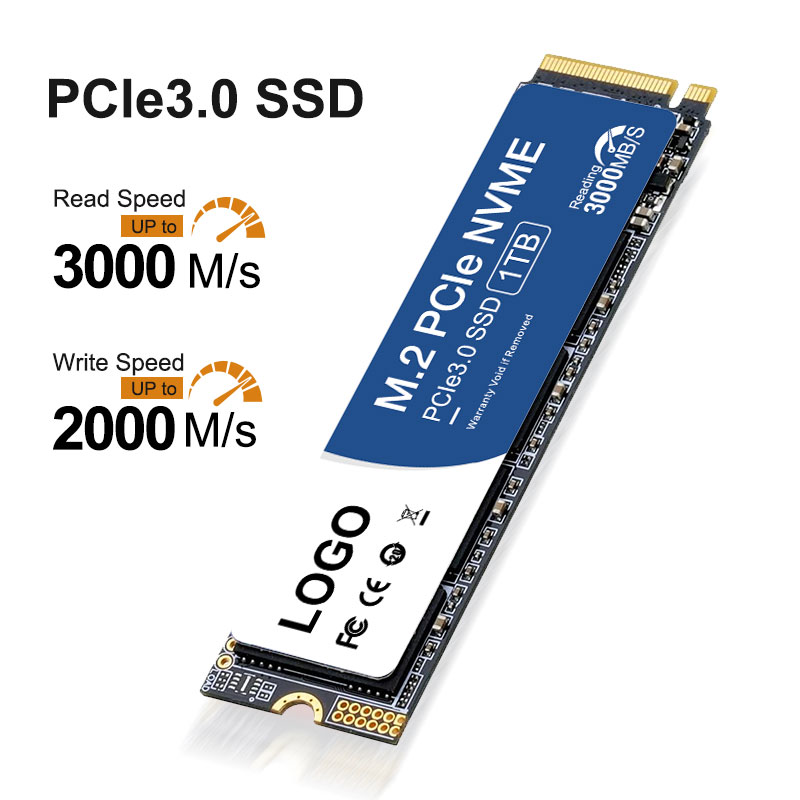
An SSD uses flash memory – the same technology as a USB stick – with no moving parts. Data is stored on interconnected flash chips. This makes SSDs fast, silent, and shock-resistant.
What Is an HDD?
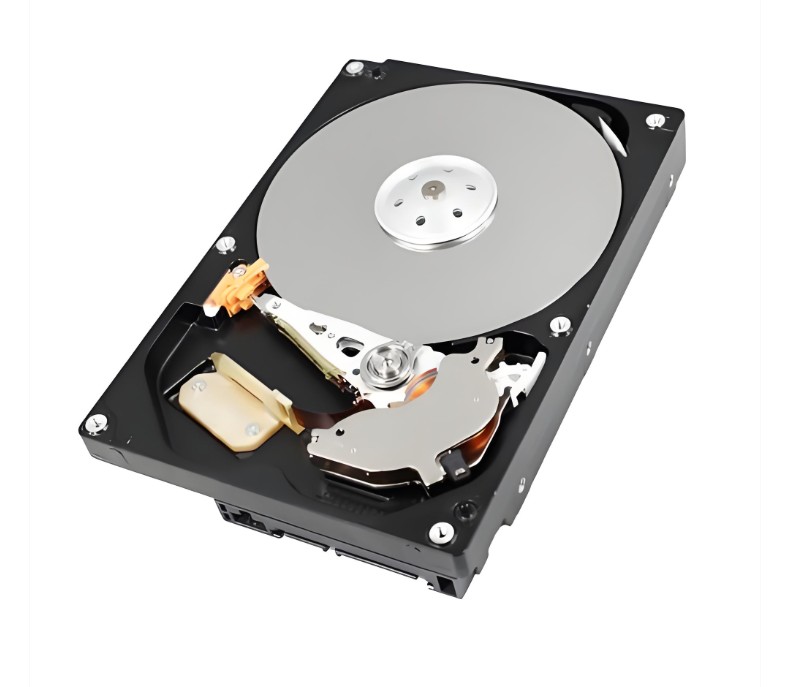
An HDD (hard disk drive) relies on spinning magnetic platters and a mechanical read/write head. Think of it like a record player: the head moves to find data on the spinning disk. This mechanical design makes HDDs slower and more fragile.
Key Differences at a Glance
| Feature | SSD (Solid State Drive) | HDD |
|---|---|---|
| Speed | Up to 20x faster (500–7000 MB/s) | Slower (80–160 MB/s) |
| Moving parts | None | Yes (spinning platters, arm) |
| Durability | Excellent – survives drops | Poor – can break if moved while running |
| Noise | Silent | Audible spinning & clicking |
| Power use | Very low (2–3 watts) | Higher (6–9 watts) |
| Price per GB | More expensive (~$0.08/GB) | Very cheap (~$0.02/GB) |
| Max capacity | Up to 8TB (consumer) | Up to 20TB+ |
Speed: Where the Solid State Drive Shines
The biggest advantage of a SSD is speed. An SSD can boot your operating system in seconds, launch apps instantly, and copy large files much faster than an HDD. For example, a typical HDD might load a game level in 40 seconds – an SSD does it in 10 seconds or less.
If you do video editing, play modern games, or run a database, an SSD is non-negotiable.
Durability and Noise
Because an SSD has no moving parts, it can be dropped (when off) or bumped without losing data. Laptops with Solid State Drive are also completely silent. HDDs, on the other hand, make audible spinning and clicking noises – and a sudden jolt can scratch the platters, causing data loss.
Capacity and Price: HDD’s Last Stronghold
If you need massive storage on a budget, HDDs still win. A 4TB HDD costs about $80, while a 4TB **SSD** might be $250 or more. For archiving photos, backups, or storing media libraries, an HDD makes sense.
Which One Should You Choose?
-
Pick an SSD (Solid State Drive) if: You use a laptop, want fast boot/loading times, need quiet operation, or value durability. Most new computers should have an SSD as the primary drive.
-
Pick an HDD if: You need lots of storage (8TB+) for cheap, or you’re building a budget file server or backup archive.
The Best of Both Worlds
Many desktop users combine both: a small Solid State Drive (256GB–1TB) for Windows and frequently used programs, plus a large HDD (2TB–8TB) for games, movies, and backups.
Conclusion
Solid State Drives are faster, quieter, more durable, and more power-efficient than HDDs – and prices keep dropping. HDDs remain useful only for bulk, low-cost storage. For almost all everyday computing needs, an Solid State Drive is the clear winner.
👉 Ready to upgrade? Explore the full NandStor M.2 PCIe NVMe SSD lineup here:
https://www.nandstor.com/product/m-2-pcie-nvme-ssd/